
Changing the mouse cursor!
Now this could be a piece of cake for all you amazing programmers, but a great deal for someone who has just started 😉
So the game I am making falls into a less realistic and more fun category and I need the User Interface to match it. I decided to change the mouse cursor to something else so that it is in sync with the game’s mood!
The internet has an ocean of tutorials lying out there. So here, I picked one to study the thing, checkout the video below:
With minor modifications to my code and a decent Cursor artwork, here is my output:
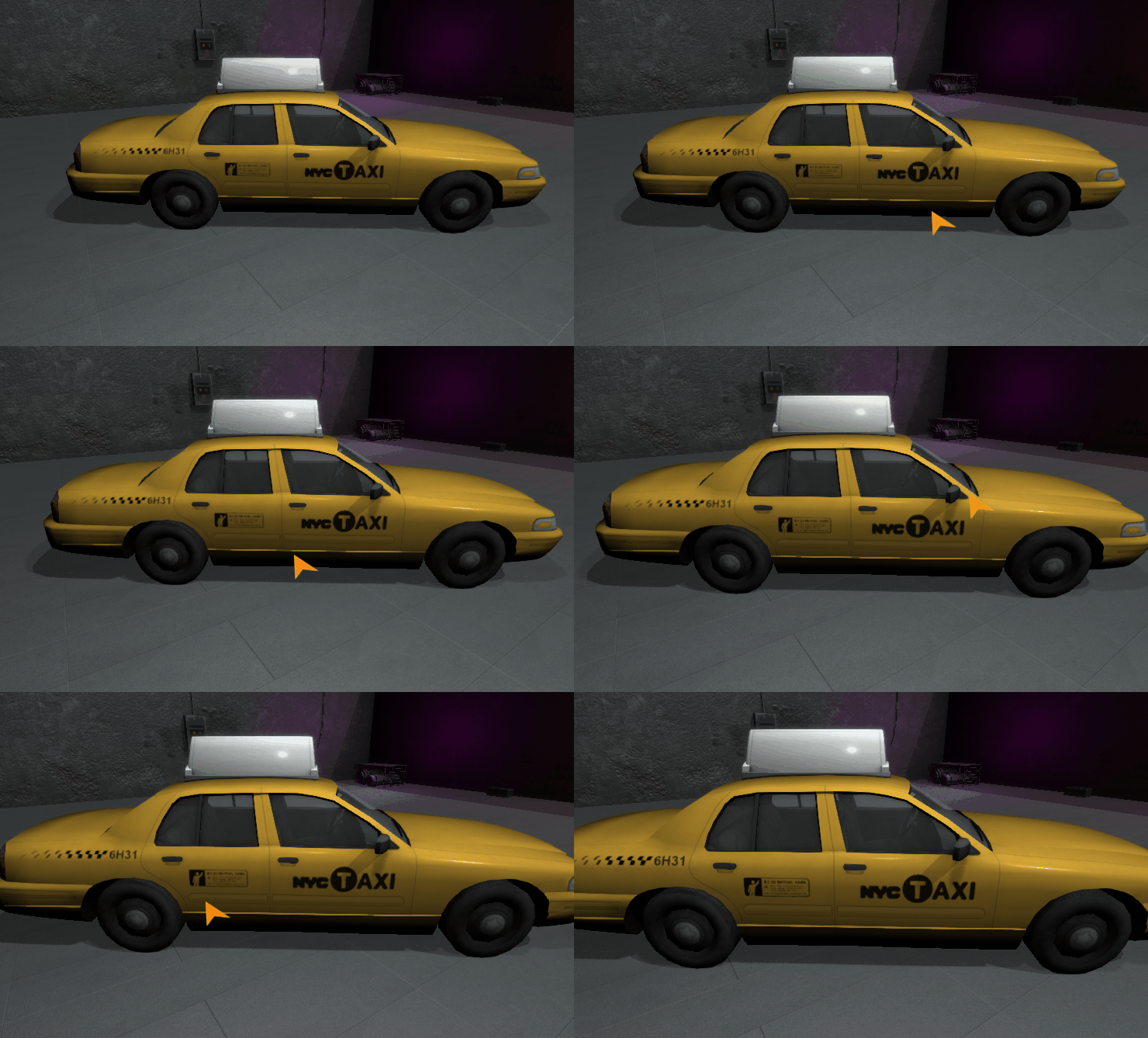
It needs more polishing, but for now we are good to go ahead with it!
More to come, we’ve just started!
 Noob Coder makes a game
If you don’t have to keep changing your mouse cursor more than once in your game, you can directly set the cursor to a sprite (texture importer set to cursor) in the Player Settings panel. All the best! Hoping to see more soon! 🙂
LikeLike
I do have to change it between scenes, but this is yet another thing I just learnt.. Haha thanks Yadu 🙂 Will keep posted!
LikeLike